
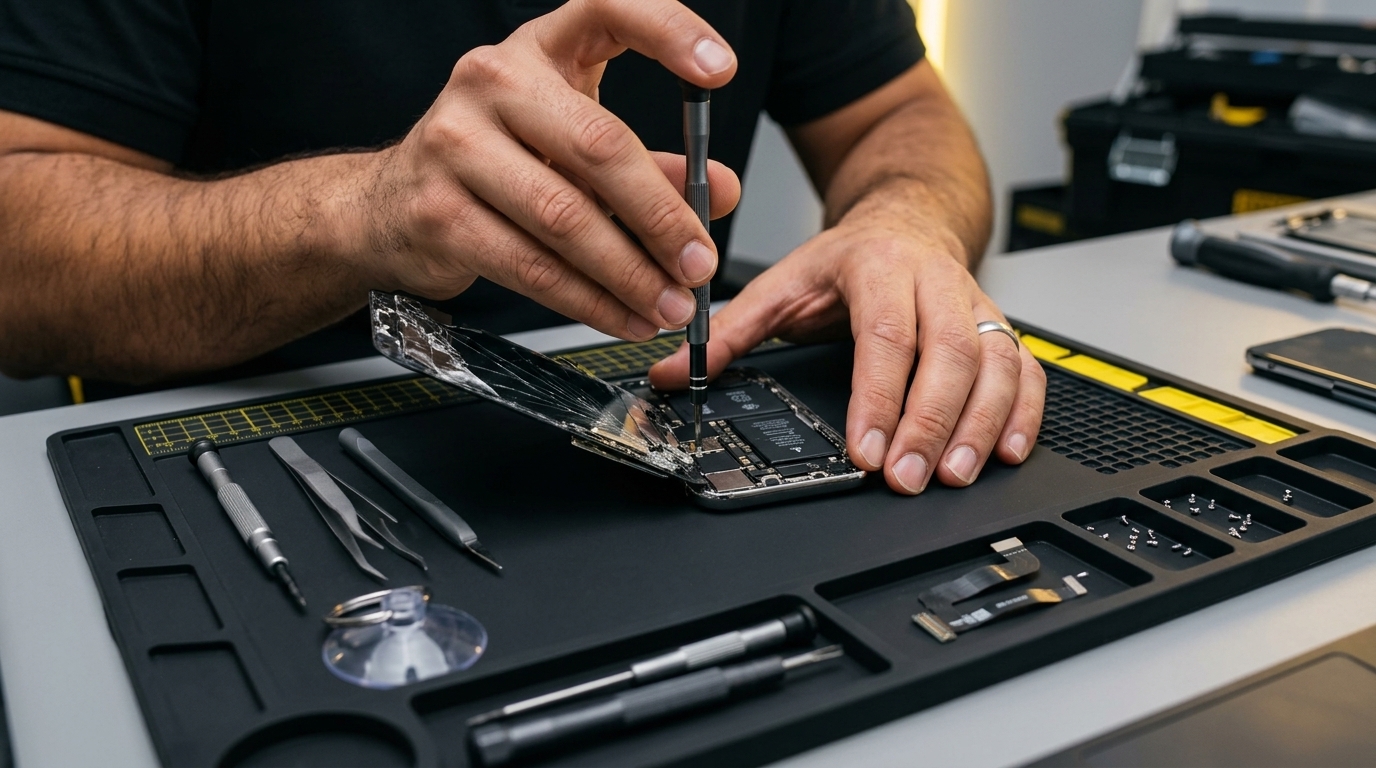
iPhone Repair
Screen replacement, battery, camera and water-damage repair for many iPhone models.
ScreenBatteryCamera
View detailsA new printer that will not connect, a printer that keeps going offline, or a scanner that will not send to your computer wastes time every day. We set up and configure printers for homes and offices in Doha, at your location or in our store, so every computer and phone you use can print and scan without fuss.
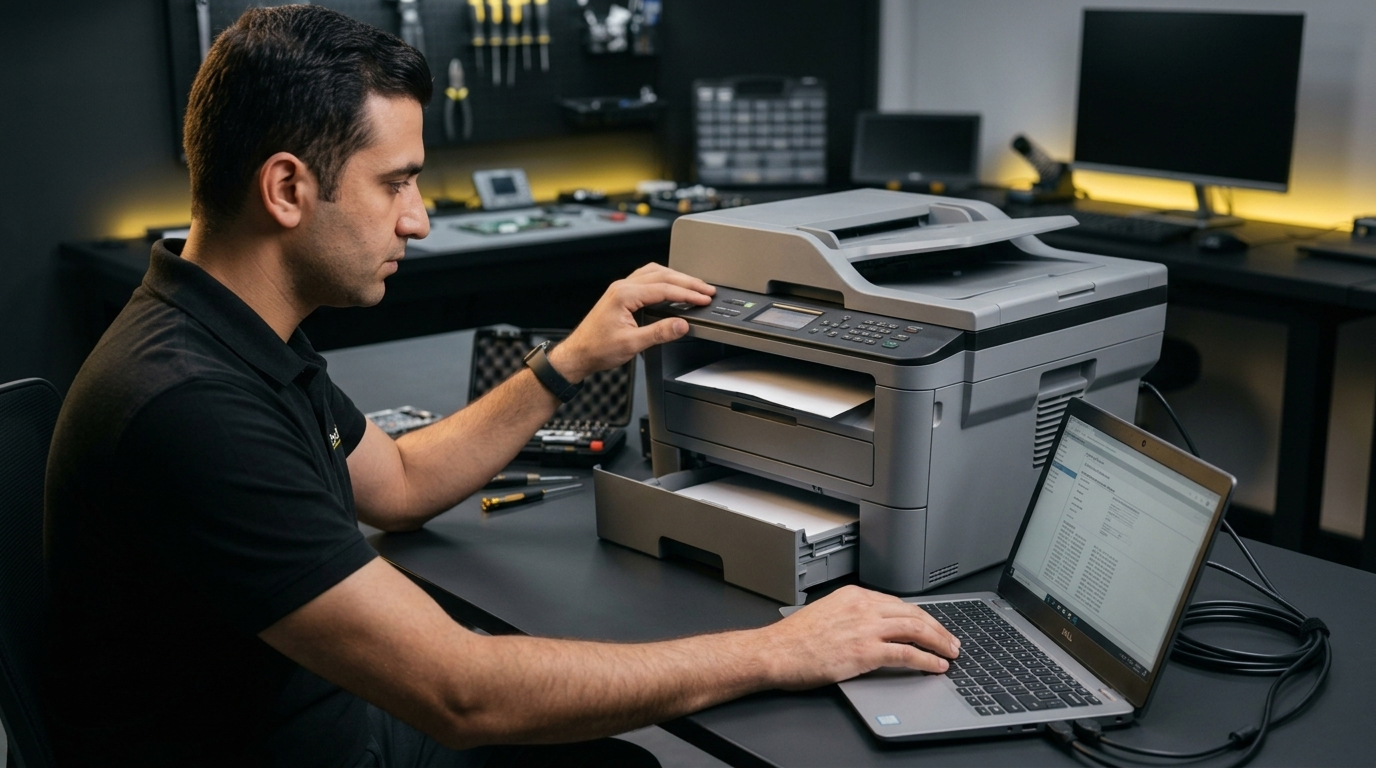
We check your printer and network, set everything up and finish with a test print and scan so you can see it working. If the printer has a hardware fault we explain the options honestly before you decide.
Message us or use the booking form with your model and the fault.
We explain the options and the price. Work starts only after you agree.
We repair at your door or in our store, then test with you present.
Most common home and office printers. Tell us the brand and model when you book and we confirm before the visit.
Yes. We connect it to your Wi-Fi and set up printing from your computers and from iPhone, iPad and Android phones.
We troubleshoot the usual causes: network connection, driver problems and stuck print jobs. If it is a hardware fault we explain your options after checking.
Yes. A technician can visit your home or office in Doha and up to 30 km around it.
Screen replacement, battery, camera and water-damage repair for many iPhone models.
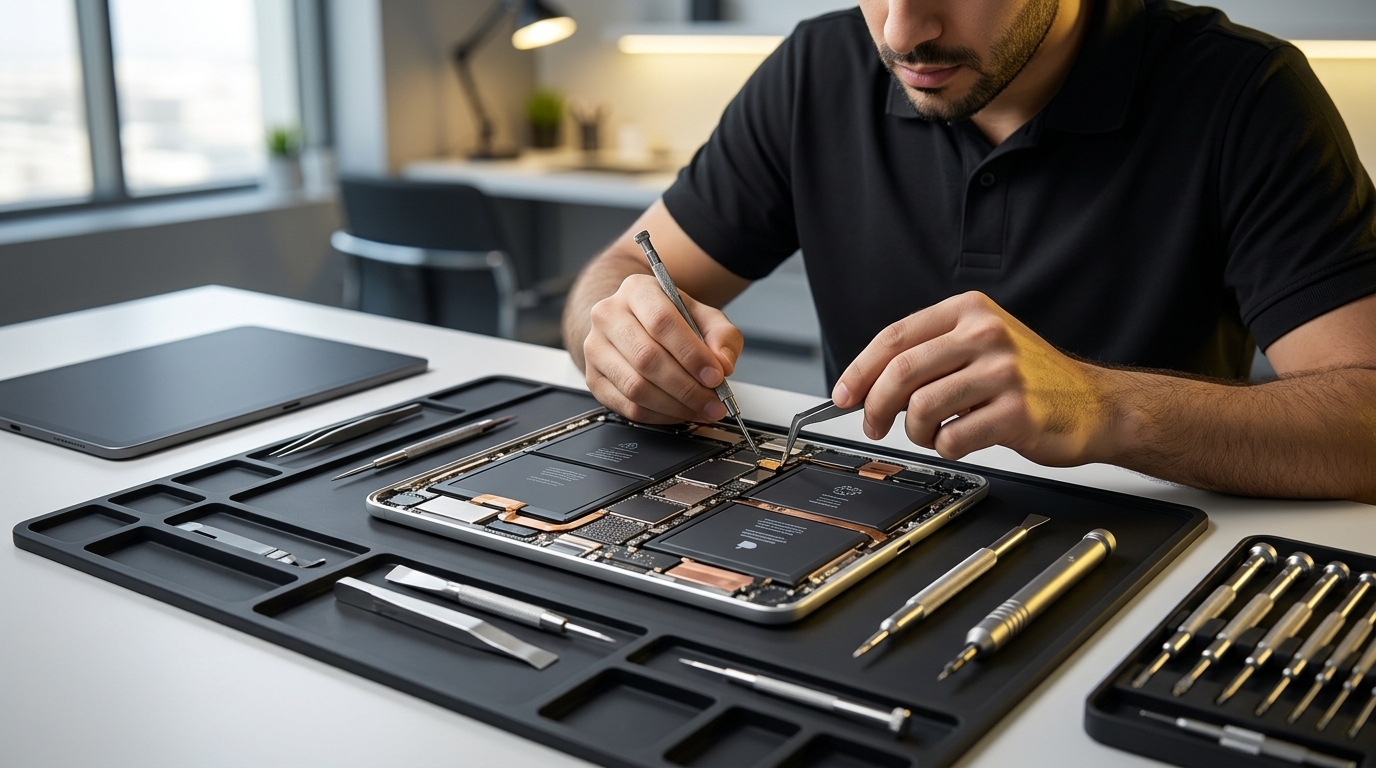
Cracked glass, display, charging port and battery fixes for iPad and iPad Pro.
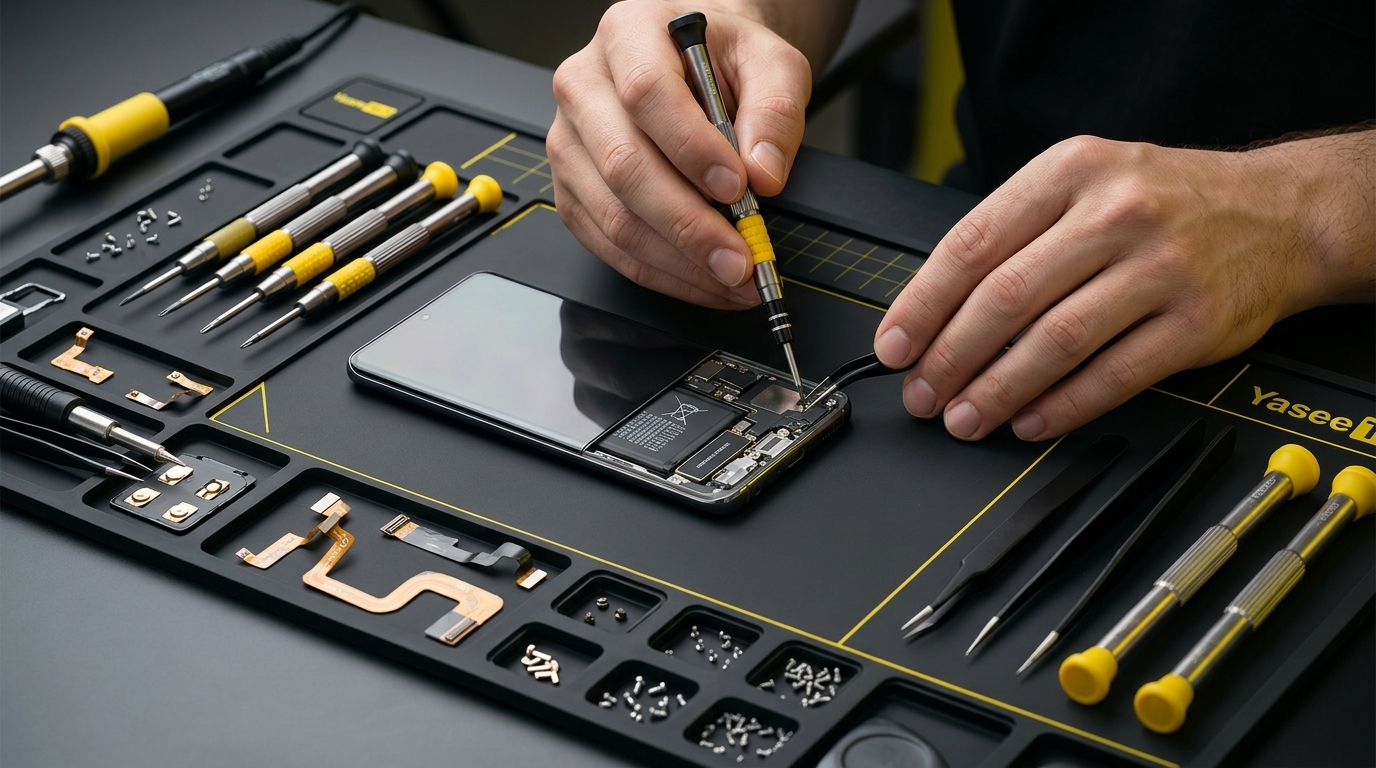
Samsung, Huawei, Xiaomi and Oppo screen, battery and charging repair.
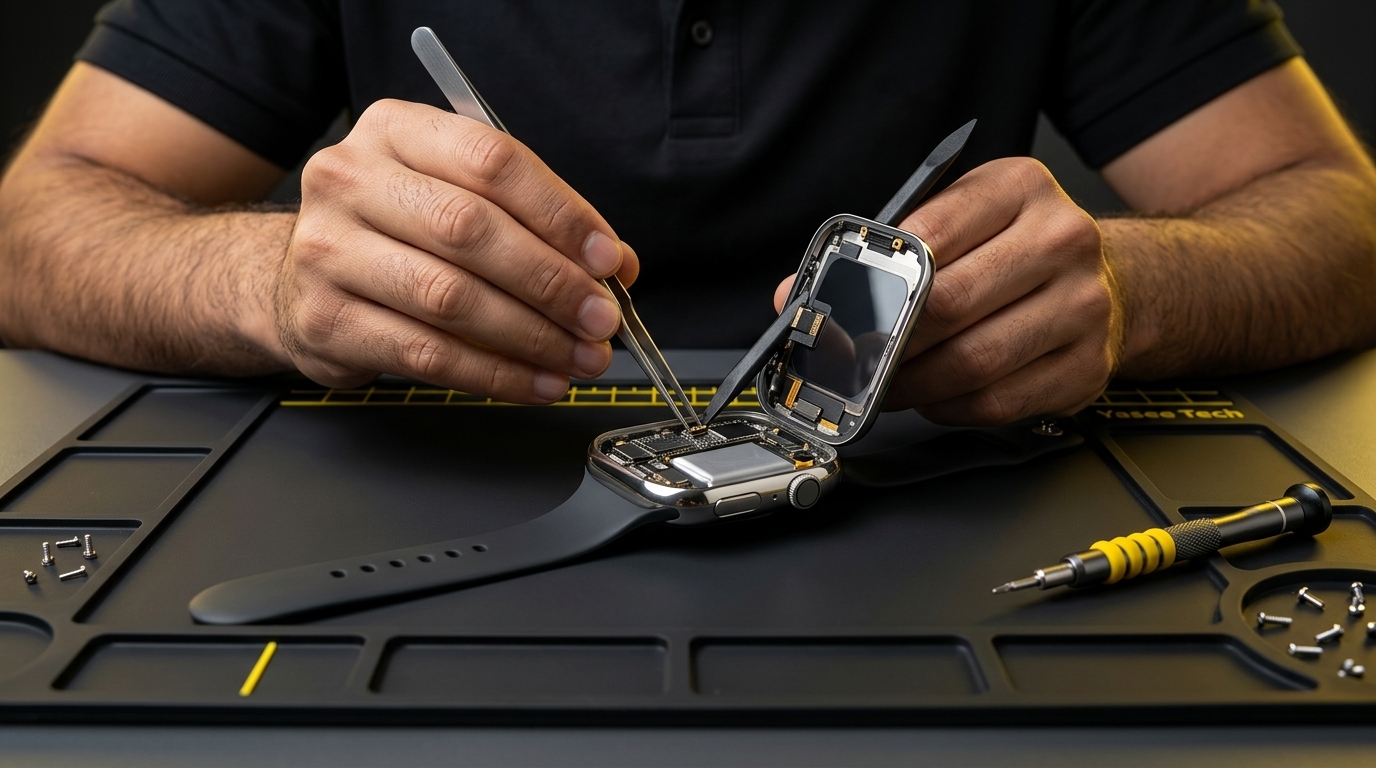
Screen, battery and sensor repair to bring your watch back to life.
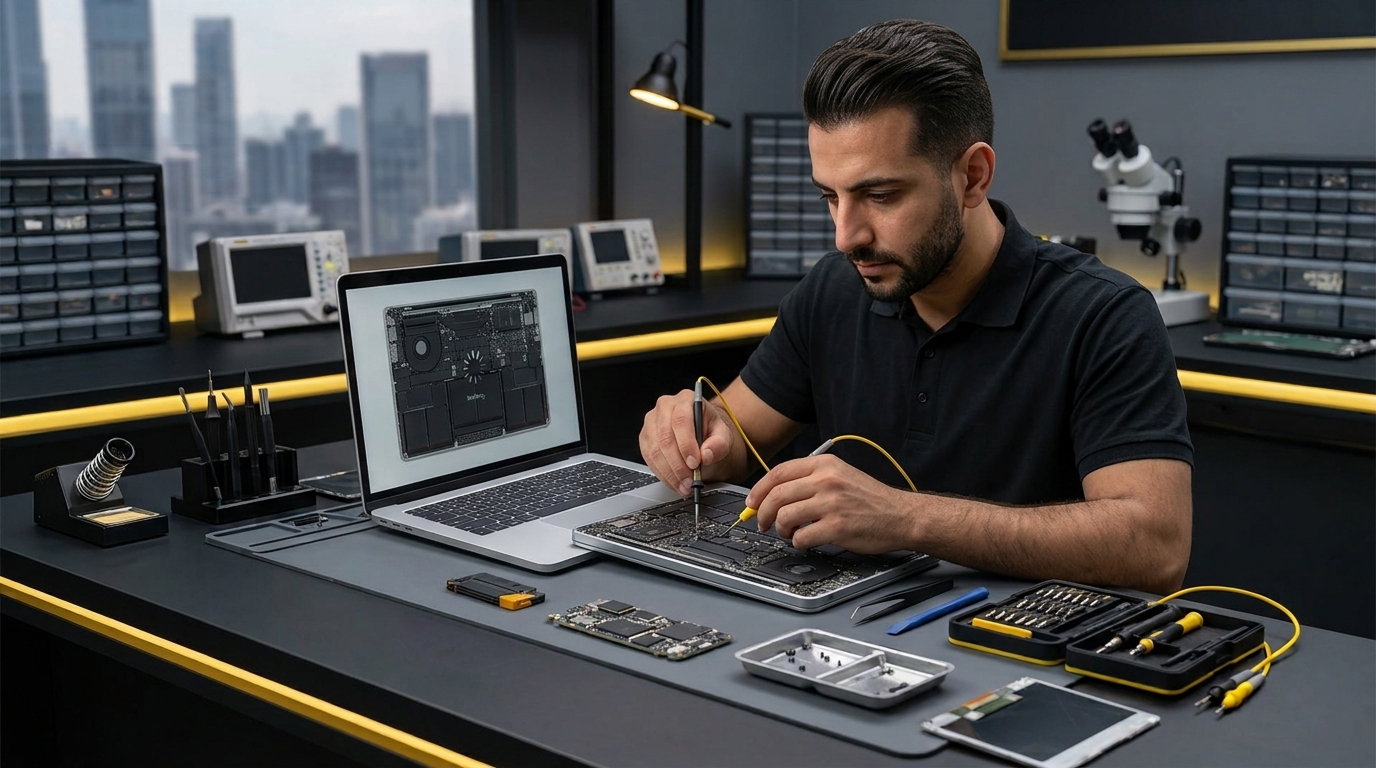
Screen, battery, keyboard, charging and software repair for Windows laptops and MacBooks.
Need a hand? Book a repair or read how doorstep repair in Doha works.
Get a clear quote before any work begins.